HEllo ARtists!

I'll handle the 'how-to' so you can lead the "wow"!
Proprietary Classroom Management System: Tailored workflows for Specialists, Classroom Teachers, and Homeschoolers.
The Prep List: A streamlined, "one-trip-to-the-closet" art materials list with a direct link to shop for supplies.
Material Masterclass: A dedicated video on how to use specific materials correctly to minimize waste and maximize creativity.
Click and copy the "hand out " support pages for each of your students
Keep this PDF visible on your tablet or laptop. It’s your command center for the day.
Differentiation: By providing different tips for Specialists vs. Homeschoolers, you make everyone feel like the Dashboard was made specifically for them.
1. Open Your Click-to-Teach™ Dashboard
2. One-Trip Prep
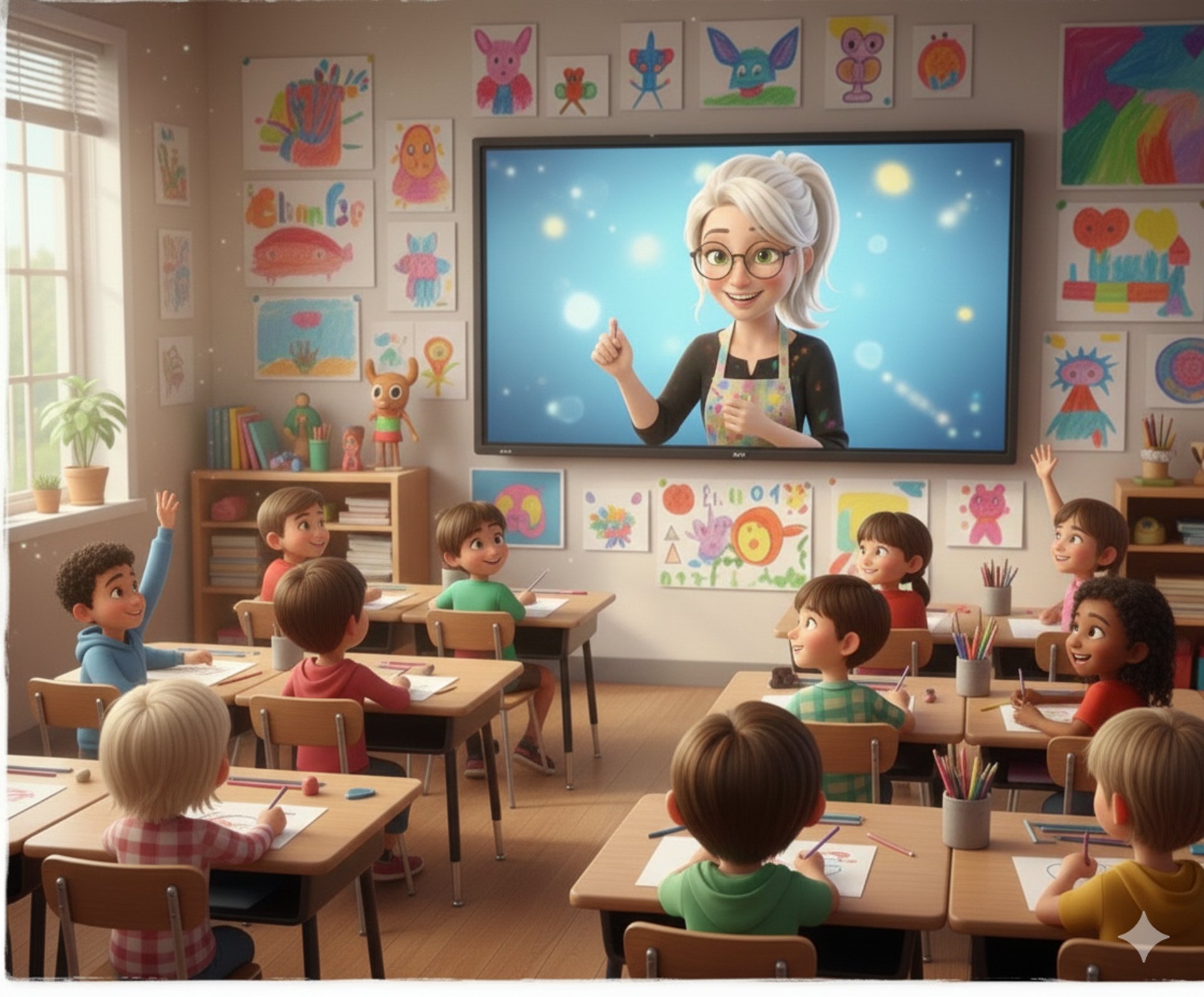
Click the Avatar Welcome. Let my "teaching clone" introduce the project and build excitement while you get the room ready.
3. Meet Your Digital Assistant
Visual Inspiration: A gallery of finished samples to show the class what is possible.
Launch the Step-by-Step Video. I’ll handle the technical instruction; you walk the room and enjoy the "aha!" moments with your students.
4. Press Play
5. The Tech Edge
6. The 5-Minute Reset
For early finishers, click the STEAM Enrichment icon. They can start "modding" the lesson on a computer using our Google AI Studio templates. These are Advanced prompts for Google AI Studio that allow students to take their projects into the digital future.
Artist Deep-Dive: Clickable links to curated art history sites and NotebookLM customized info-sheets about the artist, style, or process.
Student Rubric: A clear, fair rubric to help you grade with confidence and provide meaningful feedback.Follow the
Chaos-Control tips at the bottom of the page for a fast, stress-free cleanup.
Help
Questions? Reach out anytime, we're here.
info@gotoartclass.com
© 2025. Next Specials Class All rights reserved.